
Review what you watched
Add a tutorial, talk or explainer. Ask questions about its content, then review the main points with a quiz or flashcards.
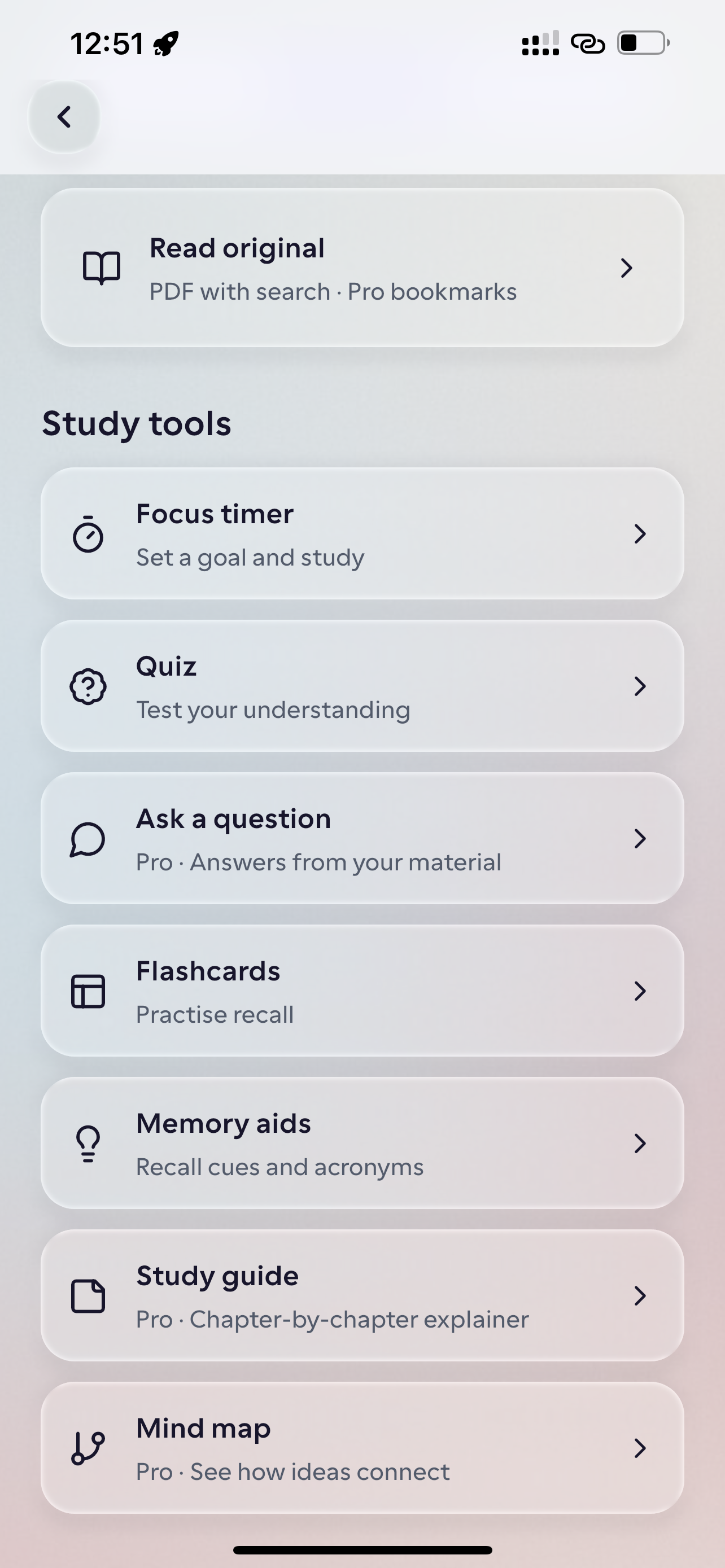
Add a video and review its contents
Use a supported video or video link as your source.
- 1
Add the video material
Bring in a video or supported video link about a topic you want to understand.
- 2
Ask about the key ideas
Use the AI tutor to explore a term, revisit a point, or ask for another explanation.
- 3
Check what you remember
Review a short lesson, answer a quiz, or practise key details with flashcards.
Worked example
From source material to study outputs
Illustrative walkthrough showing how a single passage or topic flows into Studey’s study tools.
Tutorial Walkthrough — Git Branching & Rebasing Workflow
“Instead of passively watching a 30-minute coding tutorial and forgetting the commands, turn the walkthrough into active recall questions you test before opening your terminal.”
In the app, your original source stays open alongside generated study tools so you can verify terms, formulas and conditions.
Concept Clarification
Contrasts `git merge` (which preserves branch topology with a merge commit) against `git rebase` (which replays commits onto a new base for a linear history).
Active Recall Flashcard
Front: Why should you avoid rebasing commits that have already been pushed to a shared public branch? → Back: Rebasing rewrites commit hashes, forcing collaborators to reconcile divergent histories.
Practice Quiz Check
Which command pauses an in-progress rebase so you can resolve a merge conflict and continue without creating a merge commit? → `git rebase --continue` (after staging resolved files).
Examples of what you can study
Use your course readings, work guides or personal notes. Here are a few examples.
Learn a practical skill
Ask questions about the steps in a tutorial before you try them yourself.
Revisit a talk or explainer
Pick out concepts you want to remember and check whether you can explain them in your own words.
Review a video in a short lesson
Use a short lesson to review the main points from a video.
Tools you can use with this source
Ask the tutor for an explanation or choose a tool to review what you’ve learned.
Microlearning
Choose a topic for three short lessons, save your progress and return tomorrow. Explore detailed animated explanations in the private animation pilot.
Explore featureAI companion
Ask questions about your processed notes, PDFs, slides and documents. Verify answers with inline numbered citations, verbatim source excerpts and one-tap PDF page jumps.
Explore featureQuiz generator
Generate practice quizzes from reviewed notes, PDFs, slides and documents. Choose Easy, Moderate or Hard difficulty, question counts, timers and detailed answer explanations.
Explore featureFlashcards
Create flashcards from reviewed notes, PDFs, slides and documents. Answer before flipping, self-grade recall and launch targeted rounds for missed cards.
Explore featureQuestions about videos
- Can I use Studey to learn from video links?
- Studey supports video material and supported links where enabled. Add the source, then use the learning tools available for it. Link and format compatibility can vary by source and app release.
- Is Studey only for lecture videos?
- No. People learn from tutorials, explainers, talks, and many other kinds of video. Use Studey for class, work, a personal project, or curiosity.
- Can Studey turn a video into a podcast?
- Not yet. The current tools use written explanations, lessons, quizzes and flashcards.
Try the learning journey.
Take a sample quiz, flip a flashcard or try the simulated tutor chat.