
Turn a PDF into flashcards—and verify every detail against the page
Upload your course reading, research paper or reference manual. Studey extracts the text (including OCR for scanned pages), generates active-recall flashcards and lets you drill missed cards while keeping the original PDF one tap away.
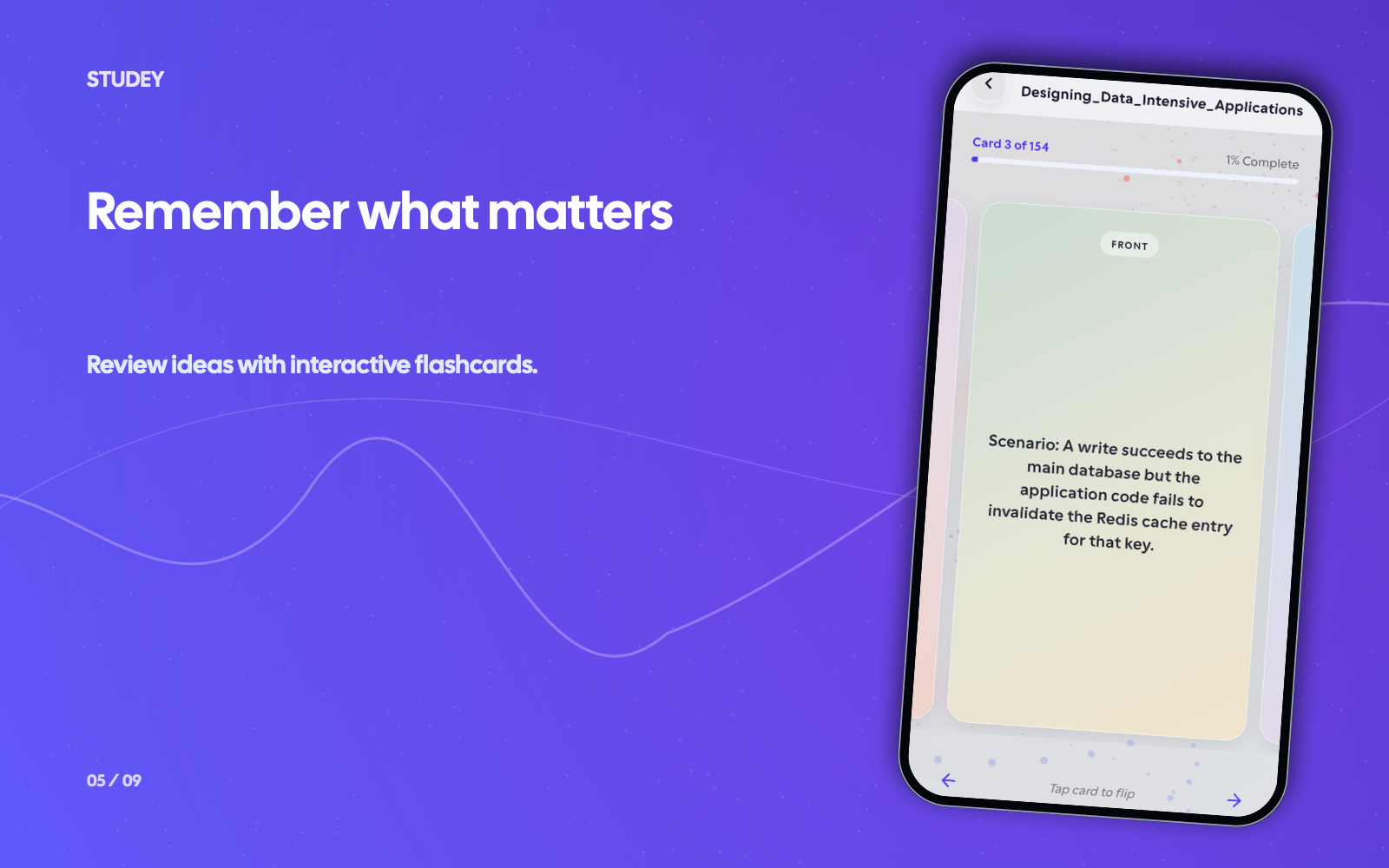
From a PDF chapter to an incorrect-only review round
Your original PDF remains in the built-in reader for checking generated cards.
- 1
Add and process your PDF
Upload the document as study material and wait for bounded processing to finish. Studey uses native text extraction first and falls back to page OCR for scanned pages; complex layouts or unclear scans may still need a cleaner source.
- 2
Create and verify the cards
Open Flashcards from the material. Compare important terms, formulas and exceptions with the original PDF page before relying on a deck. The available set depends on your plan and allowances.
- 3
Recall, self-grade and run a missed-card round
Try an answer before revealing it. Mark it correct or incorrect, then launch an incorrect-only round to drill the exact cards you missed.
Worked example
From source material to study outputs
Illustrative walkthrough showing how a single passage or topic flows into Studey’s study tools.
Uploaded PDF — Human Physiology Chapter 6, Page 42 (Membrane Potentials)
“The resting membrane potential of a typical neuron is approximately -70 mV, maintained primarily by the Na+/K+-ATPase pump (which exports 3 Na+ ions for every 2 K+ ions imported) and high resting K+ leak channel permeability.”
In the app, your original source stays open alongside generated study tools so you can verify terms, formulas and conditions.
Card 1 (Stoichiometry)
Front: What ion ratio does the Na+/K+-ATPase pump transport per ATP hydrolyzed? → Back: Exports 3 Na+ ions out of the cell and imports 2 K+ ions into the cell.
Card 2 (Resting Potential)
Front: Why is the neuronal resting potential (-70 mV) closer to the K+ equilibrium potential than Na+? → Back: The resting membrane has much higher permeability to K+ via K+ leak channels.
Page Verification & Retry
Need to verify the diagram on Page 42? Open the built-in PDF reader directly at page 42, or mark Card 2 'Missed' to repeat it in your next round.
Examples of what you can study
Use your course readings, work guides or personal notes. Here are a few examples.
Practise definitions from a textbook PDF
Use a course PDF for terminology practice. Compare each answer with the original definition, including conditions or exceptions.
Review a technical or work reference
Practise the concepts in a training manual. Ask your AI companion about unclear passages with inline page citations, then return to the cards for a recall check.
Tools you can use with this source
Ask the tutor for an explanation or choose a tool to review what you’ve learned.
Flashcards
Create flashcards from reviewed notes, PDFs, slides and documents. Answer before flipping, self-grade recall and launch targeted rounds for missed cards.
Explore featureAI companion
Ask questions about your processed notes, PDFs, slides and documents. Verify answers with inline numbered citations, verbatim source excerpts and one-tap PDF page jumps.
Explore featureFocus & app blocking
Start a study timer, block selected distracting apps on supported mobile devices and use an optional printable QR lock so you must leave your desk to end a session early.
Explore featureStreaks & learning progress
Track your study streak, saved course progress and completed Focus sessions. Review flashcard answers and return to the cards you missed.
Explore featureQuestions about pdfs to flashcards
- Can I turn a scanned PDF into flashcards?
- It depends on whether processing can read the document accurately. Studey includes page OCR for scanned pages and original-page visual checks, but handwriting, diagrams and complicated layouts can still need clearer source text; do not assume every scan will work.
- Can I review just the PDF flashcards I missed?
- Yes. Material flashcard decks support correct/incorrect self-assessment and an incorrect-card round. You can also restart a full round or resume the saved round.
- Does every page become a flashcard?
- No. A deck is a set of practice questions, not a page-by-page copy or a guarantee of complete coverage. Compare it with your learning goals and the original document.
- Can I upload a PDF on this website?
- No. This website has prewritten examples and a waitlist. Material uploads and generation belong to the planned mobile and desktop apps.
Try the learning journey.
Take a sample quiz, flip a flashcard or try the simulated tutor chat.