
Ask your AI companion—and jump straight to the cited PDF page
Open your processed material and ask about any passage, formula or diagram. Studey retrieves relevant sections using hybrid vector and full-text search, shows inline numbered citations and lets you jump directly to the exact PDF page.
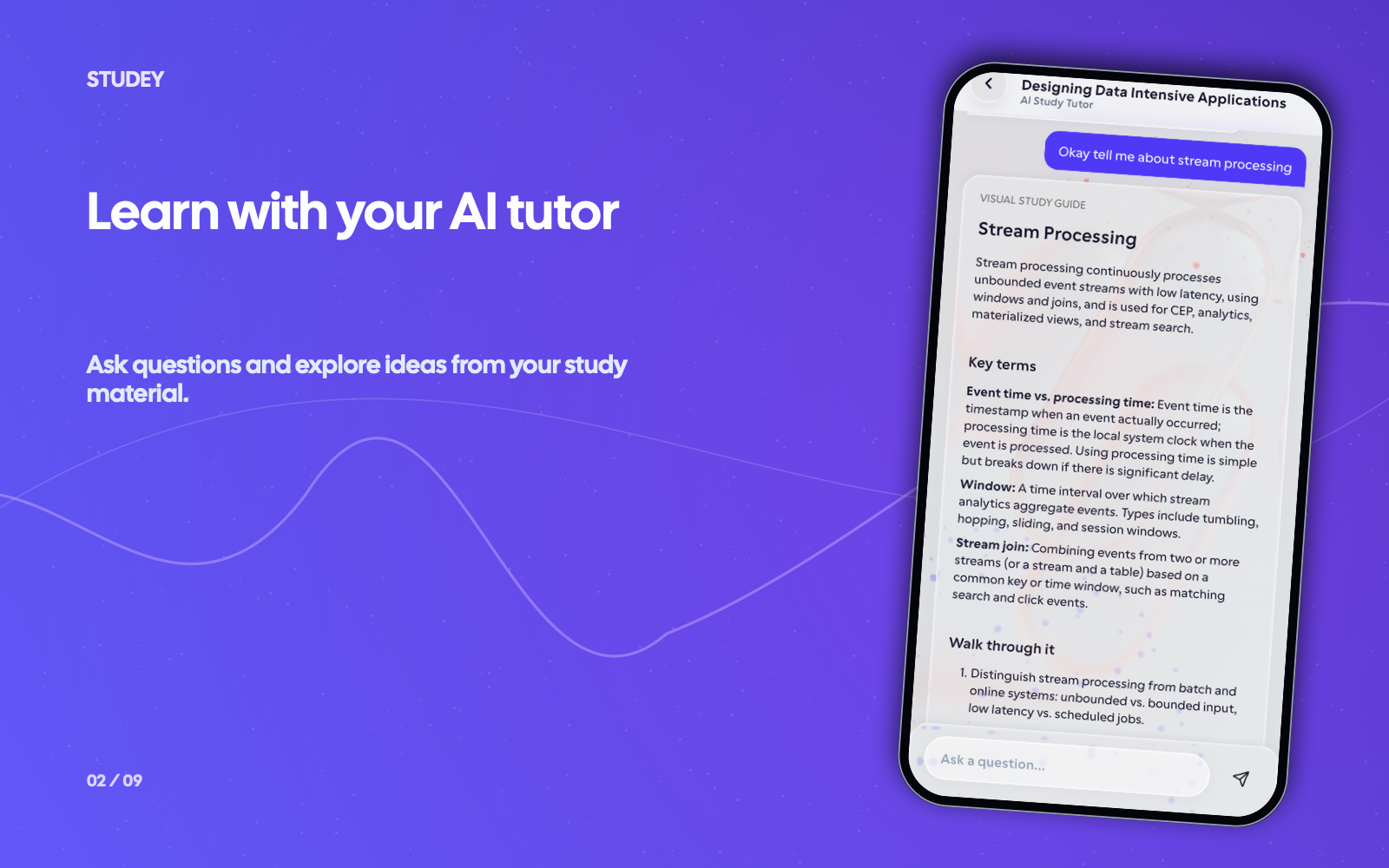
Every answer stays anchored to your source material
Tap any inline citation badge to inspect the verbatim source excerpt in a bottom sheet and open the exact page in Studey’s built-in PDF reader. When you are studying offline without an internet connection, you can also download an optional on-device local model in AI Settings for offline chat assistance.
Plan & availability: Material chat with inline source citations, PDF page jumps and optional on-device offline AI Settings are included with Studey Pro.
- Hybrid semantic + keyword retrieval across your processed PDFs, slides and notes
- Inline numbered citations that open verbatim source excerpts
- One-tap 'Open page' deep-link straight to the cited PDF page
- Optional downloadable on-device AI model for offline study assistance
How ai companion works in Studey
1. Ask about a specific passage or concept
Open your processed PDF, DOCX, PPTX slide deck or published notebook and ask for a plain-language explanation, a comparison or a worked example.
2. Inspect the inline source citations
Studey attaches numbered citation markers to source-backed claims. Tap a citation to open the Source Evidence sheet and read the exact passage.
3. Jump to the original PDF page in one tap
Select 'Open page' from the citation excerpt to launch the built-in PDF reader at that exact page and verify formulas, diagrams and context.
Questions about ai companion
- How does Studey show which page an AI answer came from?
- When you ask about a processed material, Studey retrieves matching passages and includes inline numbered citations. Tapping a citation opens the source excerpt and lets you jump straight to that page in the PDF reader.
- Can an AI tutor explain my materials offline?
- Studey Pro includes an optional AI Settings screen where you can download a compact on-device language model for offline chat fallback when you do not have internet access.
- Can an AI tutor replace expert guidance?
- An AI tutor can help you explore and practise ideas, but it does not replace a teacher, coach, or other expert when their guidance matters.
- Can an AI tutor make mistakes?
- Yes. AI explanations can be incomplete or wrong. Use the inline citations to compare important details with your source material and seek expert guidance when accuracy really matters.