
Study an article or web page
Add a supported link to an article, tutorial or reference page. Ask the tutor about its contents and use practice questions to review it.
Add a link and review the page
Use the original page to check explanations and practice answers.
- 1
Save a supported link
Start with an article, tutorial, or reference page you want to explore further.
- 2
Ask about the page
Ask for a clearer explanation, compare ideas, or look at how concepts connect.
- 3
Review the main points
Use a quiz, flashcards, or a short lesson to revisit the most useful points.
Worked example
From source material to study outputs
Illustrative walkthrough showing how a single passage or topic flows into Studey’s study tools.
Technical Reference Article — HTTP Caching Headers (`Cache-Control` & `ETag`)
“Turn a long documentation page into a visual concept map and targeted recall prompts so you remember how `max-age`, `stale-while-revalidate` and conditional `If-None-Match` requests interact.”
In the app, your original source stays open alongside generated study tools so you can verify terms, formulas and conditions.
Mind Map Branch
HTTP Caching → Freshness (`Cache-Control: max-age`) vs. Validation (`ETag` / `If-None-Match` → `304 Not Modified`).
Generated Flashcard
Front: What HTTP status code does an origin server return when an `If-None-Match` ETag matches the current resource? → Back: `304 Not Modified` (with an empty response body, saving bandwidth).
Practice Quiz Question
Which directive allows a cache to serve a stale response immediately while fetching a fresh copy in the background? → `stale-while-revalidate`.
Examples of what you can study
Use your course readings, work guides or personal notes. Here are a few examples.
Learn from a how-to article
Explore the reasoning behind the steps, not only the instructions themselves.
Follow a topic you are curious about
Use a reliable reference page as a starting point, then identify the ideas you want to explore next.
Prepare to apply what you read
Practise explaining a concept before using it in a project, conversation, or new skill.
Tools you can use with this source
Ask the tutor for an explanation or choose a tool to review what you’ve learned.
AI companion
Ask questions about your processed notes, PDFs, slides and documents. Verify answers with inline numbered citations, verbatim source excerpts and one-tap PDF page jumps.
Explore featureMind maps
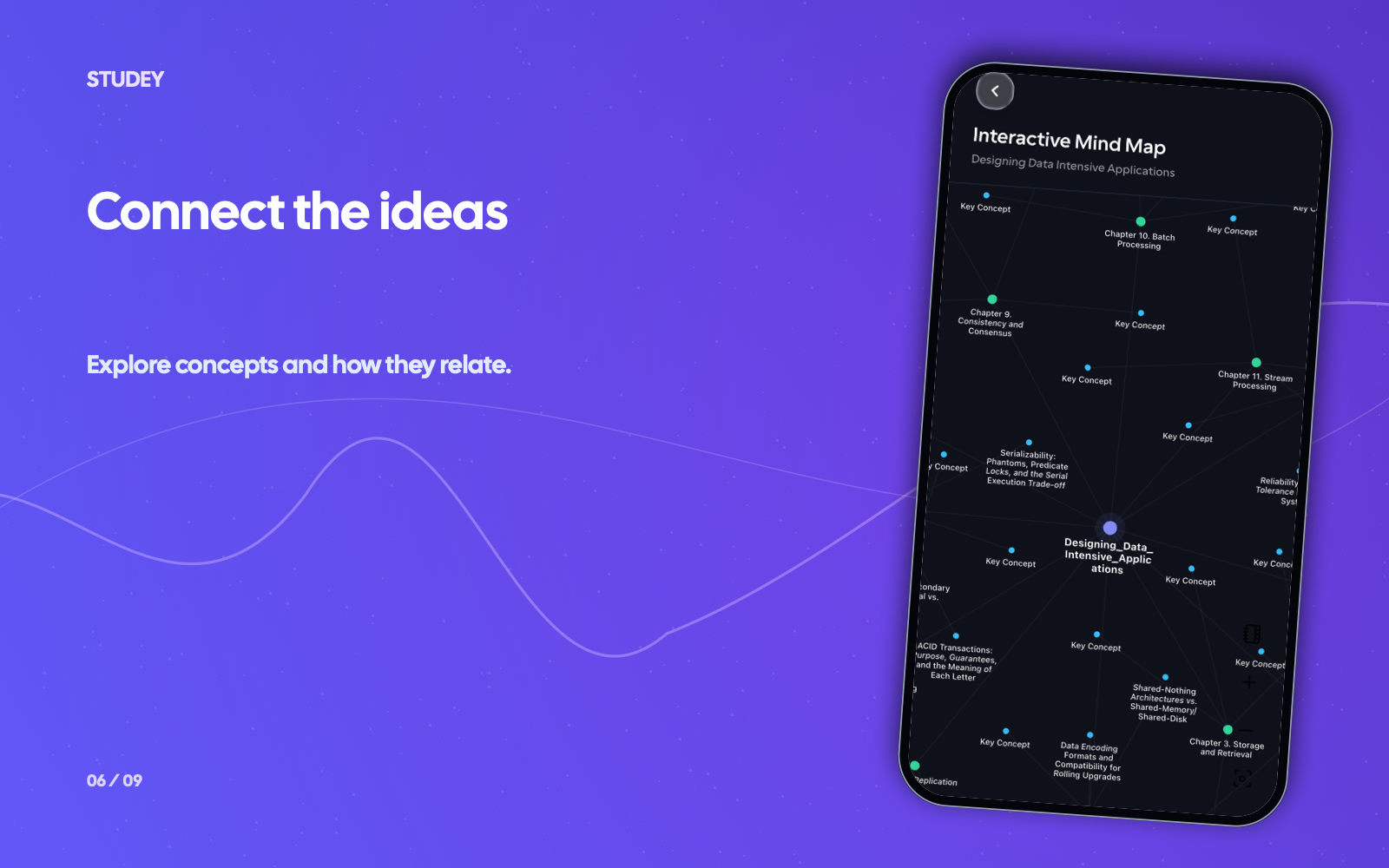
Visualize the chapter and topic hierarchy of your processed PDFs, slides and notes as an interactive node graph.
Explore featureMicrolearning
Choose a topic for three short lessons, save your progress and return tomorrow. Explore detailed animated explanations in the private animation pilot.
Explore featureQuiz generator
Generate practice quizzes from reviewed notes, PDFs, slides and documents. Choose Easy, Moderate or Hard difficulty, question counts, timers and detailed answer explanations.
Explore featureQuestions about web links
- Can Studey learn from any link?
- Web link support depends on the page, its format, any restrictions set by the source, and enabled import options in your app build. When a page cannot be imported directly, you can export it as a PDF or Markdown file and upload that document.
- What kinds of web pages are useful learning sources?
- Guides, tutorials, articles, and reference pages can all be useful starting points. Choose sources you trust and check important details against the original page.
- Can I use a web link for personal learning and work?
- Yes. Bring a source related to a class, a work skill, a project, or a topic you are curious about.
Try the learning journey.
Take a sample quiz, flip a flashcard or try the simulated tutor chat.