
Choose a skill and start a lesson
Choose a skill or subject you want to study. Use a roadmap to see the topics, work through short lessons and check what you remember.
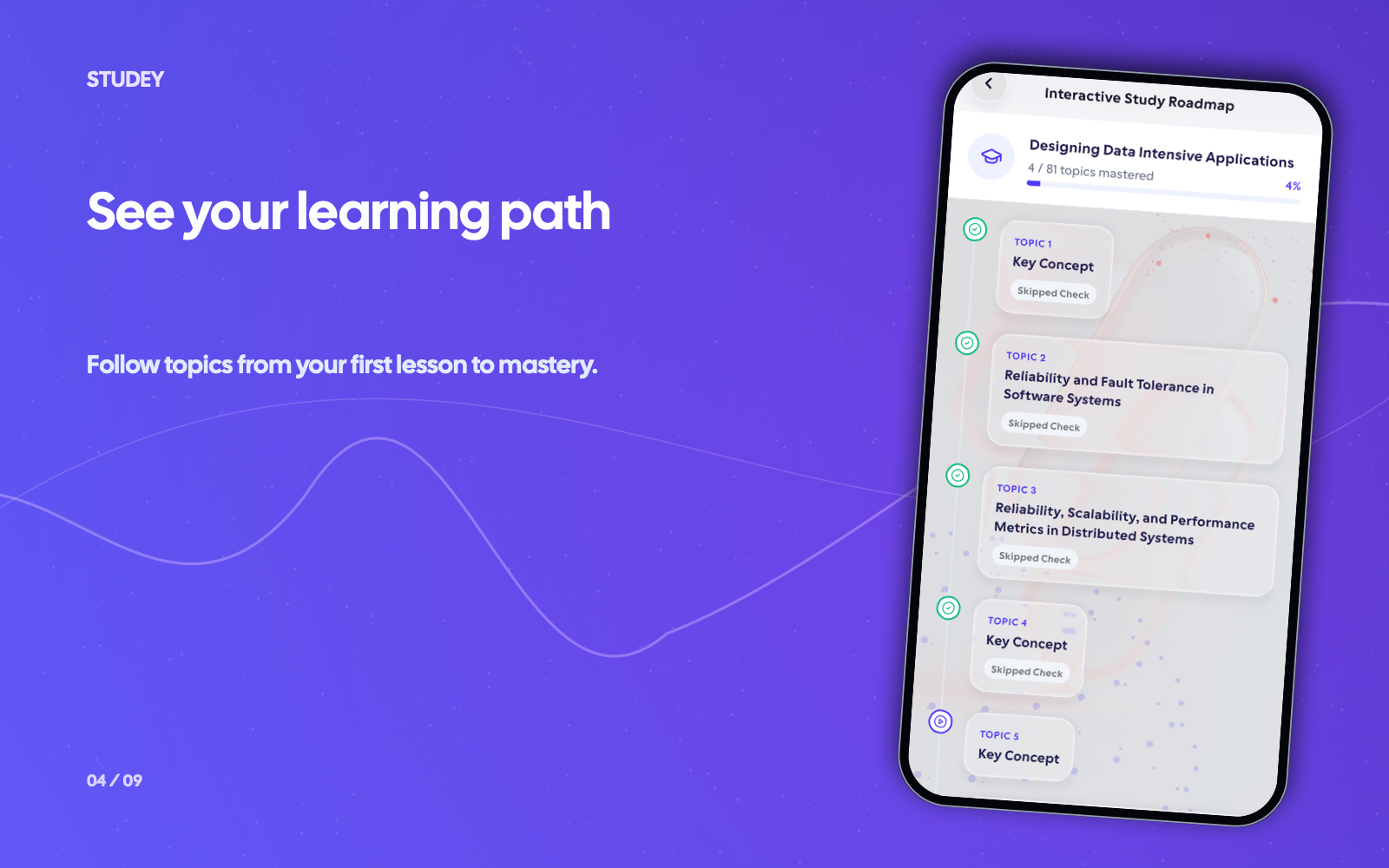
Choose a topic, study and practise
Start with one topic. Continue with the next lesson when you have time.
- 1
Choose a goal
Choose the skill or subject you want to study.
- 2
Find your next topic
Use the roadmap to choose a topic, then open its lesson.
- 3
Practise and return
Check your understanding with a quiz or flashcards, then continue when you have time.
Worked example
From source material to study outputs
Illustrative walkthrough showing how a single passage or topic flows into Studey’s study tools.
Skill Goal — Learning SQL Query Optimization for Data Analytics
“Break a broad professional skill into focused 3-lesson courses and reference notebooks you can complete in 25-minute Focus blocks.”
In the app, your original source stays open alongside generated study tools so you can verify terms, formulas and conditions.
Course 1 — Indexing Fundamentals
Lesson 1: B-Tree vs. Full Table Scans • Lesson 2: Composite Index Column Order • Lesson 3: Covering Indexes (`INCLUDE`).
Course 2 — Reading `EXPLAIN ANALYZE`
How to spot Nested Loop bottlenecks, high-cost Sort nodes and row-estimate mismatches in query plans.
Practice & Focus Routine
25-minute Focus session + 10 flashcards on index selectivity before applying the queries to your own database.
Make it part of your day
Choose a routine that fits the time and question you have.
Build a work skill
Break a new tool, process, or professional topic into steps you can revisit around your schedule.
Explore a personal interest
Start with one question about a subject you have always wanted to understand.
Review between longer practice sessions
Review a topic in a short lesson when you don’t have time for a longer session.
Tools for your learning routine
Ask the tutor for an explanation or choose a tool to review what you’ve learned.
Microlearning
Choose a topic for three short lessons, save your progress and return tomorrow. Explore detailed animated explanations in the private animation pilot.
Explore featureLearning roadmaps
Automatically organize uploaded PDFs, lecture slides and notebooks into chapters and topics with source-verified study notes, LaTeX math and on-demand topic practice.
Explore featureAI companion
Ask questions about your processed notes, PDFs, slides and documents. Verify answers with inline numbered citations, verbatim source excerpts and one-tap PDF page jumps.
Explore featureQuiz generator
Generate practice quizzes from reviewed notes, PDFs, slides and documents. Choose Easy, Moderate or Hard difficulty, question counts, timers and detailed answer explanations.
Explore featureQuestions about new skills
- Is microlearning only for students?
- No. You can use short lessons for work topics, class subjects or personal interests.
- How often should I use a microlearning session?
- Use lessons as often as your schedule allows. Set aside longer sessions for hands-on practice when the skill needs it.
- Can short sessions teach me a whole skill?
- Lessons cover the topics, but many skills also need hands-on practice, feedback and time using what you’ve learned.
Try the learning journey.
Take a sample quiz, flip a flashcard or try the simulated tutor chat.