
Study your lecture slides (PPTX), Word docs and study guides
Bring in PowerPoint slide decks (PPTX), Word documents (DOCX), Markdown notes, TXT or RTF files. Studey extracts your document into a structured chapter roadmap, answers questions with source citations and creates flashcards and quizzes.
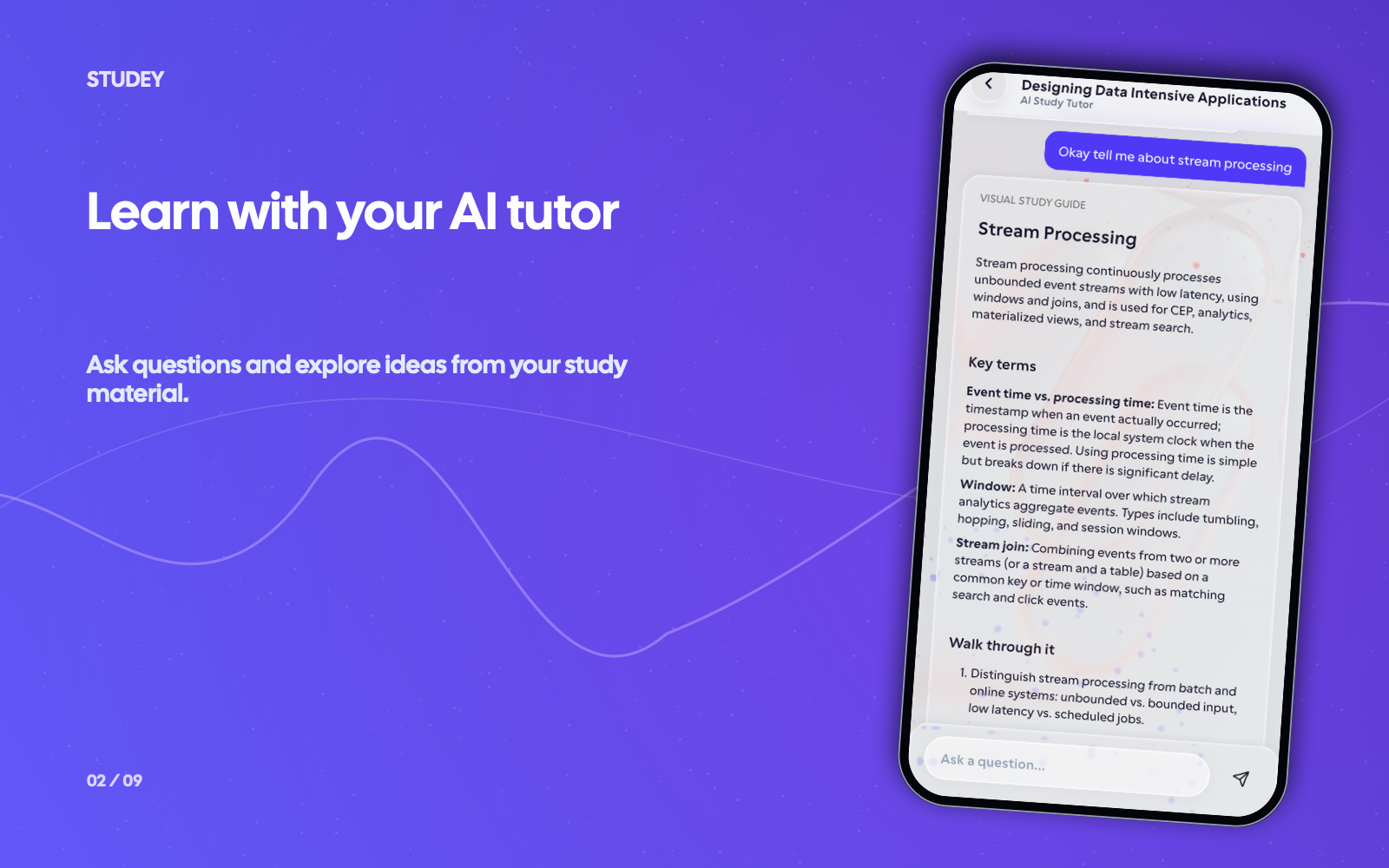
Add slides or documents, explore and practise
Turn bullet-point lecture slides and reference documents into structured explanations and active recall.
- 1
Upload PPTX, DOCX, Markdown or text files
Add lecture slides, a syllabus study guide, onboarding documentation or reference files you have permission to use.
- 2
Expand sparse slide bullets with cited AI help
Ask the AI companion to explain abbreviated slide points, compare concepts or walk through an example grounded in your deck.
- 3
Check recall with quizzes, flashcards & mnemonics
Create a practice quiz, flashcard deck or memory aid to test important details without rereading every slide.
Worked example
From source material to study outputs
Illustrative walkthrough showing how a single passage or topic flows into Studey’s study tools.
Uploaded PowerPoint Deck (PPTX) — Operating Systems Lecture 7: Virtual Memory & Paging
“Slide 12: Page Table maps virtual page numbers (VPN) to physical frame numbers (PFN). Translation Lookaside Buffer (TLB) caches recent translations; TLB miss triggers page table walk.”
In the app, your original source stays open alongside generated study tools so you can verify terms, formulas and conditions.
Structured Topic Note
Expands Slide 12 bullets into a complete explanation of address translation, contrasting fast TLB hits with multi-level page table walks on a TLB miss.
Generated Memory Aid
Recall cue: TLB = 'Translation Lookup Bypass' — check the hardware cache before walking the page table in main memory.
Generated Quiz Question
What occurs immediately when a virtual memory lookup results in a TLB miss (assuming the page resides in physical RAM)? → The MMU walks the page table to find the physical frame number and updates the TLB.
Examples of what you can study
Use your course readings, work guides or personal notes. Here are a few examples.
Turn lecture slides (PPTX) into study notes
Transform terse PowerPoint bullet points into organized topic notes, flashcards and practice questions before midterms.
Get oriented in a work DOCX or SOP
Break down a process document or onboarding guide into the concepts and procedures you need to remember.
Study Markdown or plain-text notes
Import existing `.md`, `.txt` or `.rtf` study files and generate missed-card flashcard rounds and mind maps.
Tools you can use with this source
Ask the tutor for an explanation or choose a tool to review what you’ve learned.
AI companion
Ask questions about your processed notes, PDFs, slides and documents. Verify answers with inline numbered citations, verbatim source excerpts and one-tap PDF page jumps.
Explore featureLearning roadmaps
Automatically organize uploaded PDFs, lecture slides and notebooks into chapters and topics with source-verified study notes, LaTeX math and on-demand topic practice.
Explore featureQuiz generator
Generate practice quizzes from reviewed notes, PDFs, slides and documents. Choose Easy, Moderate or Hard difficulty, question counts, timers and detailed answer explanations.
Explore featureFlashcards
Create flashcards from reviewed notes, PDFs, slides and documents. Answer before flipping, self-grade recall and launch targeted rounds for missed cards.
Explore featureQuestions about slides & documents
- Which document formats does Studey support?
- Studey’s extractor supports PDF, PowerPoint presentations (PPTX), Word documents (DOCX), Markdown (MD), plain text (TXT) and Rich Text Format (RTF), plus notebooks authored directly in the app.
- What can I do with lecture slides or a document in Studey?
- Use it as the source for chapter roadmaps, cited AI explanations, practice quizzes, flashcards, memory aids and mind maps.
- Can Studey explain a document accurately?
- AI can miss context or make mistakes. Treat its output as a learning aid, check important details against the original slides or document, and follow any rules that apply to your material.
Try the learning journey.
Take a sample quiz, flip a flashcard or try the simulated tutor chat.