
Learn something new, one short lesson at a time.
Start with a question you’ve been meaning to ask. Studey creates a three-lesson course on your topic, with explanations you can read and return to. Illustrated lessons are supported; detailed interactive animation is currently in a private pilot.
Daily bite-sized habits
Learn something new every day.
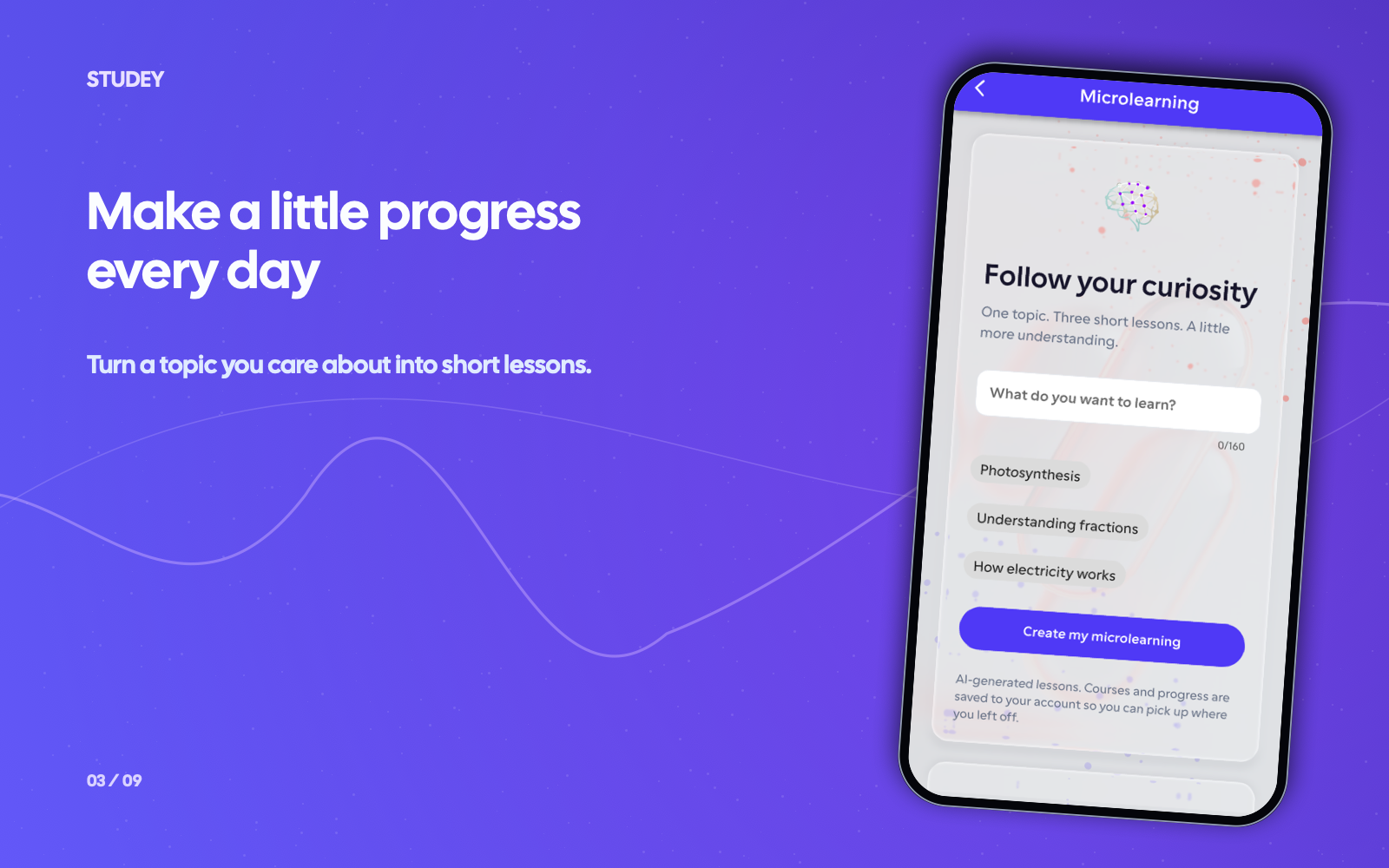
Pick any question, hobby, or class topic. Studey generates a visual 3-lesson micro-course you can finish in 5-minute daily breaks.
Start with any topic
Type what you want to learn. Studey breaks it down into three focused lessons.
Visual explanations
Read illustrated breakdowns and replay complex stages at your own pace.
Build your daily streak
Block distracting apps during Focus sessions, save your spot, and keep your streak alive.
Animated lessons are currently in a private pilot. Illustrated lessons remain supported.
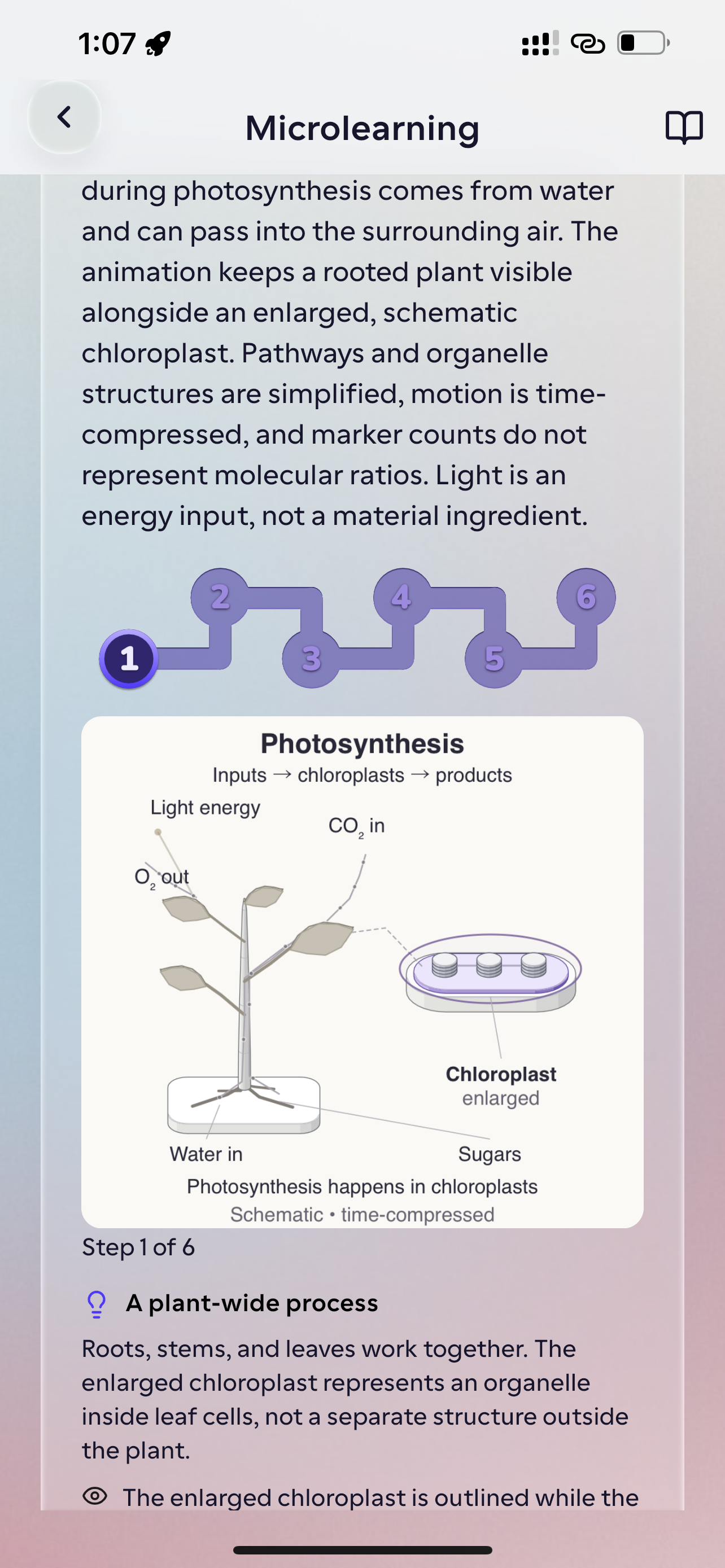
Pause the explanation. Replay the step.
In the animation pilot, a visual diagram unfolds alongside written stage explanations. Play or pause, select a stage, seek on the timeline and replay the part you want to understand. Save your lesson progress and return later. Read the written explanation alongside the animation and check important details against a reliable source.
Plan & availability: Microlearning course creation is included with Studey Pro. Detailed interactive animation generation is currently in a restricted private pilot.
- Three short lessons on a topic you choose
- Illustrated explanations with written lesson text and takeaways
- Pilot animations with stage selection, timeline seeking and replay
- Saved courses and sequential progress for returning learners
How microlearning works in Studey
1. Enter any question or choose a suggested topic
Pick a concept from science, history, technology or work and generate a focused 3-lesson micro-course.
2. Read illustrated lessons or control staged animations
Follow written explanations with generated visual infographics, or use the private animation pilot to play, pause, scrub the timeline and jump between numbered explanation stages.
3. Save your lesson place for tomorrow
Studey records which lesson you completed so your next break starts right where you left off instead of in an endless scroll feed.
Questions about microlearning
- Can I learn something new every day with Studey?
- You can choose a topic and work through short lessons when you have time. Start with one question rather than a whole subject. Save your place and return to the next lesson later.
- Does Studey explain topics with detailed animation?
- The private animation pilot combines a visual explanation with written stages. You can pause, select a stage, seek and replay. Access is restricted during testing; joining the waitlist does not give immediate animation access.
- Is microlearning just watching short videos?
- Studey uses saved courses with lesson text and a defined sequence. Pilot animations have playback and stage controls, so you can revisit a step instead of watching an endless feed.
- Does every animated course include a quiz?
- No. New animation-pilot courses currently save lesson progress without generated end-of-lesson quizzes or quiz scores. Material-based quizzes and flashcards are separate tools; older saved courses can retain their existing quick checks.
- How can I use short lessons to build a learning routine?
- Choose a topic you care about, set aside time for one lesson and return to the next lesson later. Use your saved progress and study streak to keep track. Try explaining one idea in your own words before moving on.