
문서 파일을 실전 교재로 바꾸는 단계
단순히 읽고 넘어가는 텍스트를 실전 문제 풀이로 전환합니다.
Upload PPTX, DOCX, Markdown or text files
Add lecture slides, a syllabus study guide, onboarding documentation or reference files you have permission to use.
Expand sparse slide bullets with cited AI help
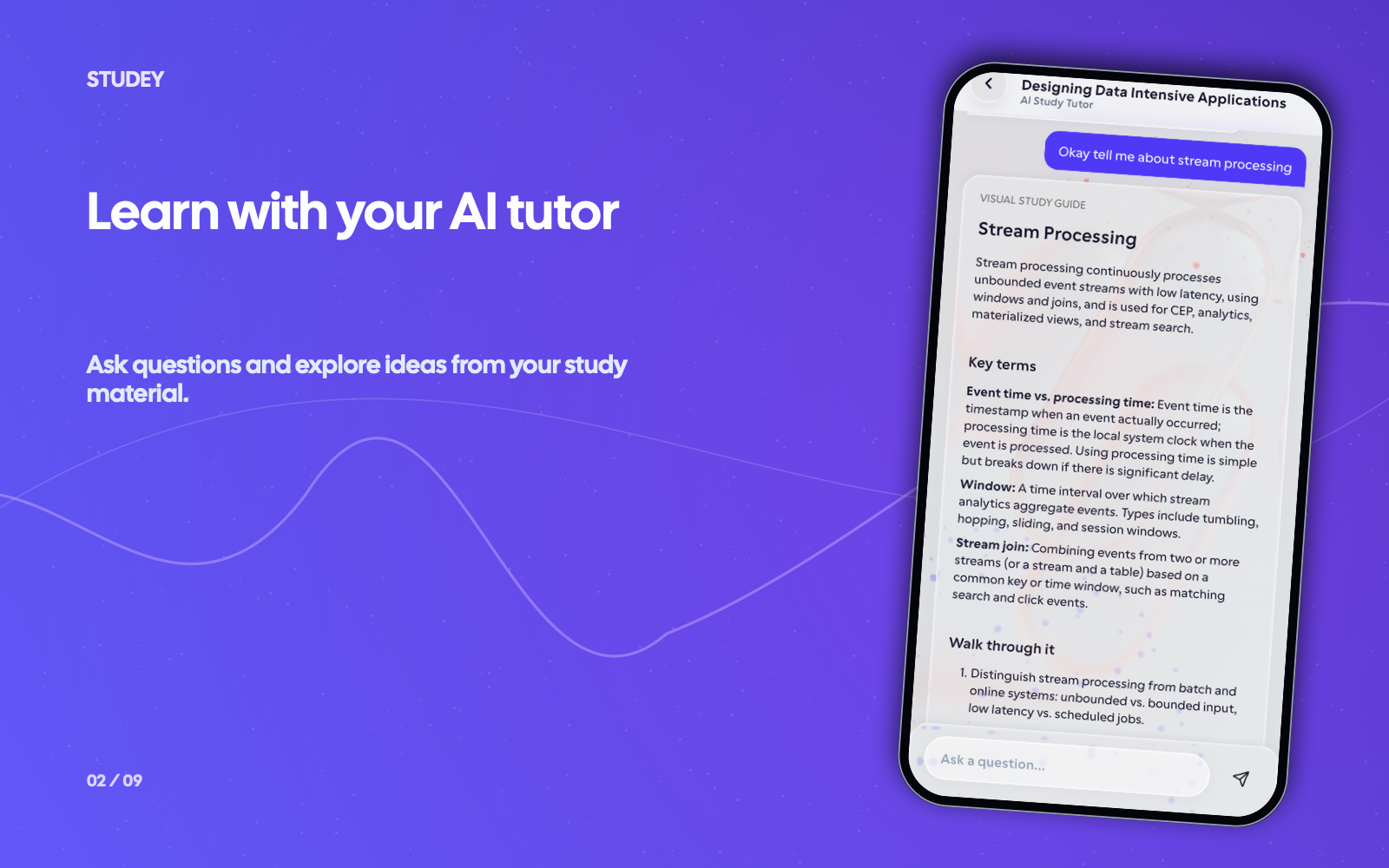
Ask the AI companion to explain abbreviated slide points, compare concepts or walk through an example grounded in your deck.
Check recall with quizzes, flashcards & mnemonics
Create a practice quiz, flashcard deck or memory aid to test important details without rereading every slide.
문서 파일 학습
Uploaded PowerPoint Deck (PPTX) — Operating Systems Lecture 7: Virtual Memory & Paging
“Slide 12: Page Table maps virtual page numbers (VPN) to physical frame numbers (PFN). Translation Lookaside Buffer (TLB) caches recent translations; TLB miss triggers page table walk.”
Expands Slide 12 bullets into a complete explanation of address translation, contrasting fast TLB hits with multi-level page table walks on a TLB miss.
Recall cue: TLB = 'Translation Lookup Bypass' — check the hardware cache before walking the page table in main memory.
What occurs immediately when a virtual memory lookup results in a TLB miss (assuming the page resides in physical RAM)? → The MMU walks the page table to find the physical frame number and updates the TLB.
이 교재를 활용하는 방법
Turn lecture slides (PPTX) into study notes
Transform terse PowerPoint bullet points into organized topic notes, flashcards and practice questions before midterms.
Get oriented in a work DOCX or SOP
Break down a process document or onboarding guide into the concepts and procedures you need to remember.
Study Markdown or plain-text notes
Import existing `.md`, `.txt` or `.rtf` study files and generate missed-card flashcard rounds and mind maps.
이 자료에 추천하는 도구
Studey의 다양한 기능과 연계하여 시너지 효과를 내보세요.
출처 인용 AI 학습 메이트
PDF와 강의 슬라이드에 바로 질문하세요. 인용 번호와 함께 정확한 출처 페이지를 열어줍니다.
도구 살펴보기챕터 로드맵 & LaTeX 수식 정리
교과서와 PDF를 '챕터 → 세부 토픽'으로 자동 구조화. LaTeX 수식, 핵심 개념, 연습 문제를 제공합니다.
도구 살펴보기맞춤형 실전 연습 퀴즈
교재 원문에 근거한 객관식・단답형 연습 문제를 자동 생성. 난이도, 타이머, 상세한 오답 해설을 제공합니다.
도구 살펴보기능동적 회상 플래시카드
교재에서 자동 추출된 단어 카드. 자가 채점과 오답 카드 집중 복습으로 완전 학습을 달성하세요.
도구 살펴보기자주 묻는 질문
- Which document formats does Studey support?
- Studey’s extractor supports PDF, PowerPoint presentations (PPTX), Word documents (DOCX), Markdown (MD), plain text (TXT) and Rich Text Format (RTF), plus notebooks authored directly in the app.
- What can I do with lecture slides or a document in Studey?
- Use it as the source for chapter roadmaps, cited AI explanations, practice quizzes, flashcards, memory aids and mind maps.
- Can Studey explain a document accurately?
- AI can miss context or make mistakes. Treat its output as a learning aid, check important details against the original slides or document, and follow any rules that apply to your material.
실제 학습 흐름 직접 체험하기
자료 검토부터 인용 확인, 문제 풀이, 집중 타이머까지 전체 단계를 경험해 보세요.