
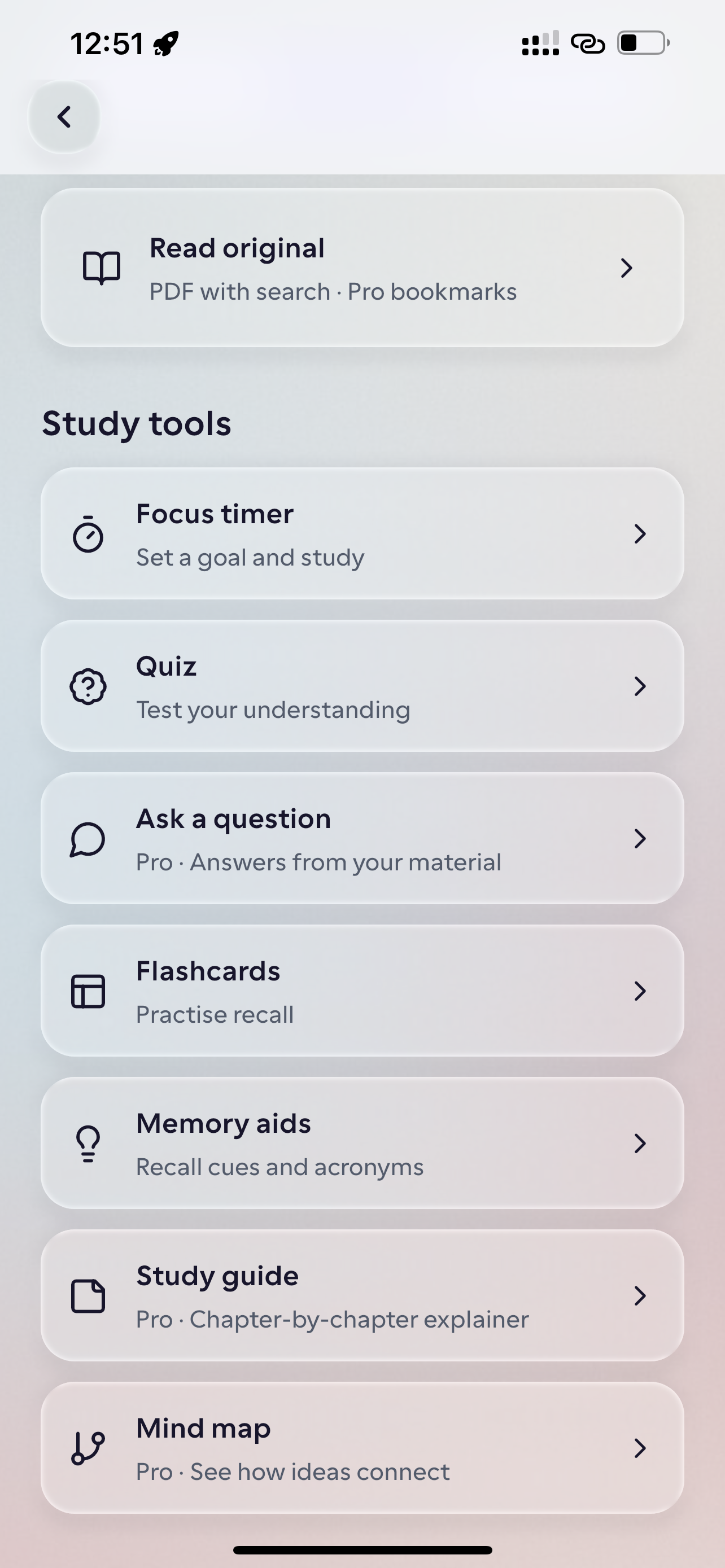
動画からアウトプットを作るステップ
受動的な視聴から、能動的なテストと復習のサイクルへ移行します。
Add the video material
Bring in a video or supported video link about a topic you want to understand.
Ask about the key ideas
Use the AI tutor to explore a term, revisit a point, or ask for another explanation.
Check what you remember
Review a short lesson, answer a quiz, or practise key details with flashcards.
動画教材
Tutorial Walkthrough — Git Branching & Rebasing Workflow
“Instead of passively watching a 30-minute coding tutorial and forgetting the commands, turn the walkthrough into active recall questions you test before opening your terminal.”
Contrasts `git merge` (which preserves branch topology with a merge commit) against `git rebase` (which replays commits onto a new base for a linear history).
Front: Why should you avoid rebasing commits that have already been pushed to a shared public branch? → Back: Rebasing rewrites commit hashes, forcing collaborators to reconcile divergent histories.
Which command pauses an in-progress rebase so you can resolve a merge conflict and continue without creating a merge commit? → `git rebase --continue` (after staging resolved files).
この教材の活用方法
Learn a practical skill
Ask questions about the steps in a tutorial before you try them yourself.
Revisit a talk or explainer
Pick out concepts you want to remember and check whether you can explain them in your own words.
Review a video in a short lesson
Use a short lesson to review the main points from a video.
よくあるご質問
- Can I use Studey to learn from video links?
- Studey supports video material and supported links where enabled. Add the source, then use the learning tools available for it. Link and format compatibility can vary by source and app release.
- Is Studey only for lecture videos?
- No. People learn from tutorials, explainers, talks, and many other kinds of video. Use Studey for class, work, a personal project, or curiosity.
- Can Studey turn a video into a podcast?
- Not yet. The current tools use written explanations, lessons, quizzes and flashcards.
実際の学習ステップを体験
教材の取り込みから復習、集中タイマーまでの一連の流れをお試しいただけます。