無理なく習慣を切り替えるステップ
スマホを開いた時の最初のタップを、未来への投資に変えます。
Choose before you open the feed
Write down one thing you want to understand. Create a short course or return to a saved lesson so you have a specific alternative ready.
Set a Focus session & optional QR lock
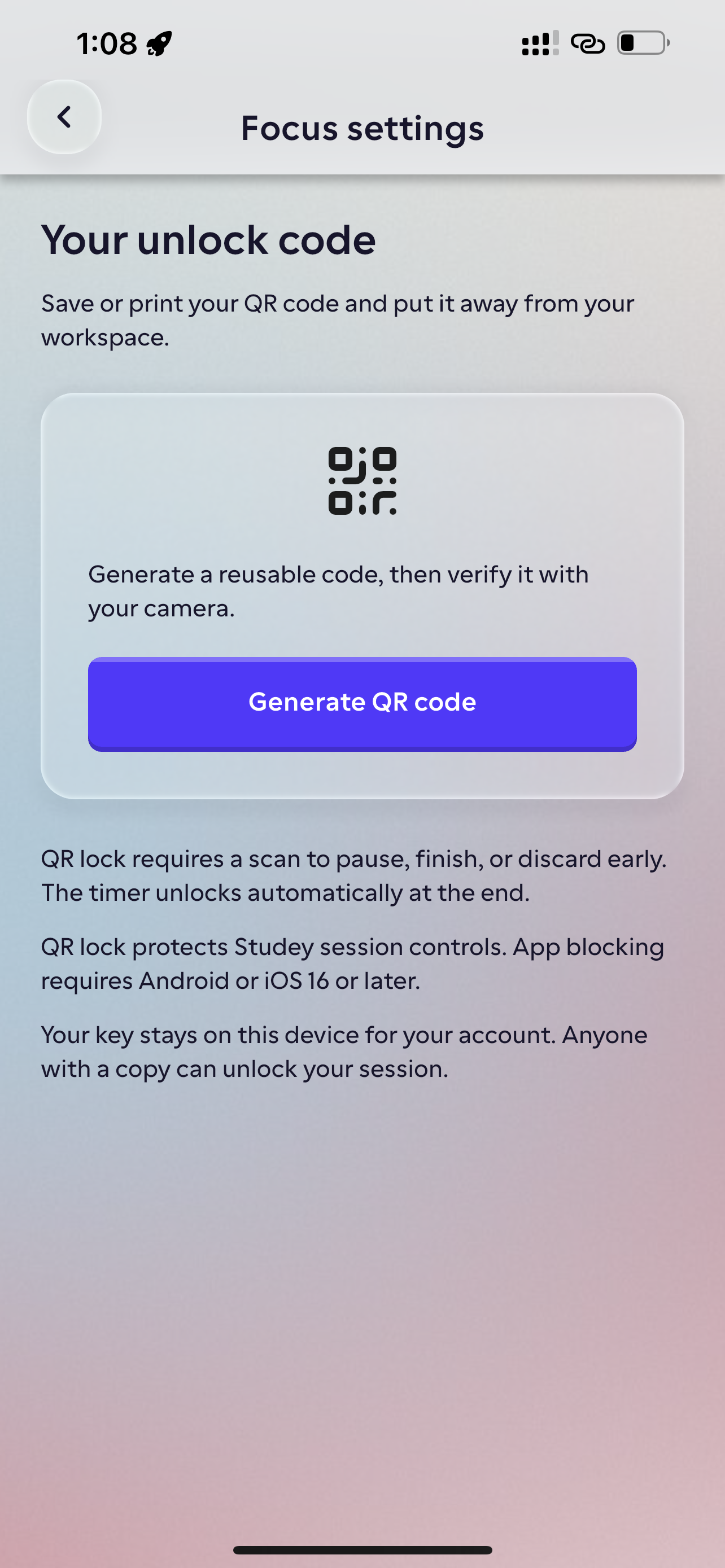
Choose a duration and goal. On supported devices, enable the required permissions to block distracting foreground apps, and optionally lock the session with a printed QR code kept away from your desk.
Finish and put it down
Work through the chosen lesson, note one takeaway and stop at the end of your planned session. Decide later whether to study the next lesson.
スマホ習慣改善
Evening Routine — Swapping 25 Minutes of Short-Video Scrolling for a Focused Session
“Goal: Finish Lesson 2 of 'How DNS Resolves a Domain Name' + 1 missed-card round. Focus timer: 25 minutes with Social Feeds & Short Videos blocked.”
Printed 32-byte Studey QR key placed on the bookshelf across the room. Pausing or ending the 25-minute block early requires getting up to scan that code.
Read Lesson 2 (Recursive Resolver vs. Authoritative Nameserver) and complete 5 flashcards—a task with a real finish line rather than an infinite scroll.
Timer reaches 00:00 → blocked apps release automatically, +25 Focus minutes logged and your saved course marks Lesson 2 complete.
この学習習慣の活用方法
An alternative to brain rot content
If “brain rot” is how you describe screen time you didn’t mean to spend, give your next break a question you actually want to answer. Leave with one idea you can explain in your own words.
A break with a finish line
A three-lesson course has a sequence you can complete. Saved progress lets you leave without losing your place; you do not have to keep scrolling to find it again.
よくあるご質問
- Can Studey stop me doomscrolling?
- Studey gives you a short learning task to open instead of a feed. Use Focus and selected-app blocking on supported devices to protect that time. An optional printable QR lock adds a deliberate physical step before ending early; you still choose the routine.
- Does blocking stop all apps and notifications?
- No. It targets selected foreground apps on supported devices. Essential apps stay accessible, and it does not stop background notifications, audio or browsing on your other devices. See the Focus page for platform availability.
- Is productive scrolling the same as learning?
- Reading another feed does not tell you what you can explain. After a lesson, put it away and try describing one idea in your own words. Return to the explanation when something is unclear.
実際の学習ステップを体験
教材の取り込みから復習、集中タイマーまでの一連の流れをお試しいただけます。